
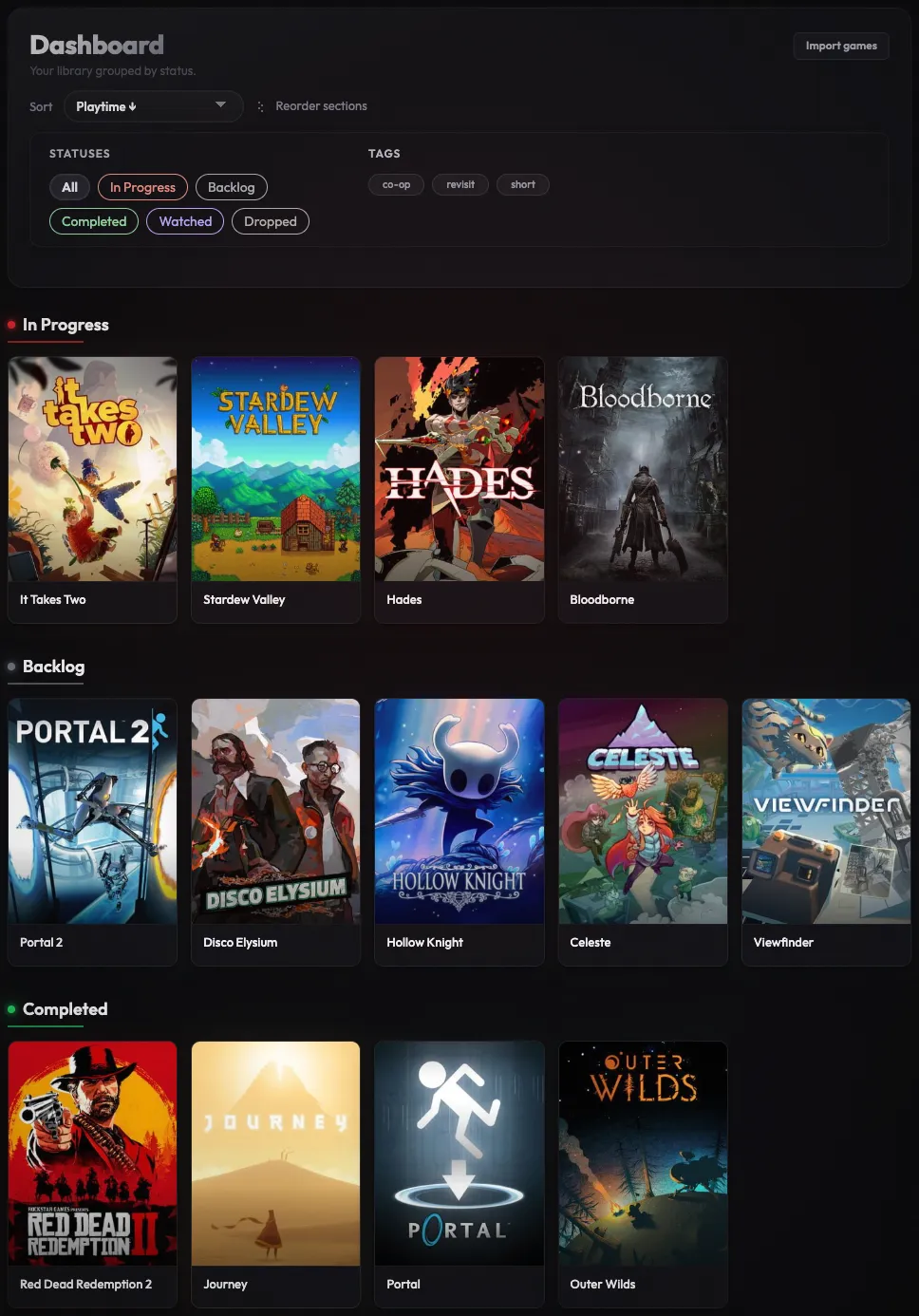
Start with a game and a status
Search the IGDB catalog, add a game, and choose where it belongs. The starting statuses are In Progress, Backlog, Completed, Watched and Dropped. Rename them or create your own as your library takes shape.
You might keep one game in In Progress, another in Backlog, and a third in Dropped. Each stays in your library with its own page.
Keep your next steps close
Leave a note about where you stopped or what you wanted to do next. When you return to the game, your notes and play dates are on its page.
Put a game aside by changing its status to Dropped. Its notes and review stay with it, so you can keep the memory without keeping it among your next games to play.
Filter your library your way
Choose which status sections to show and filter games by your own tags. A tag such as “co-op” can help you find games across different statuses without changing where each game belongs.
You control the order of the status sections. In Progress starts at the top, but you can move it to suit how you use your library.
Make lists for your plans
Create a list for games to play with someone, a series you want to revisit, or a few titles you're considering next. Give it a name, add games, and arrange them in your preferred order.
You can start as a guest without an account and create one later to keep the same library.